
Appearance
Form Widgets Gallery
Form widgets define the way you can enter values in the form, both in QGIS and in the mobile app. The configuration of form widgets in your Mergin Maps project is done in QGIS.
Here is an overview of widgets that are commonly used both in QGIS and the mobile app.
Public project available
💡 These widgets can be explored in this project:  documentation/form-widgets.
| QGIS widget | Description | Preview in Mergin Maps mobile app |
|---|---|---|
| Text Edit | Text | 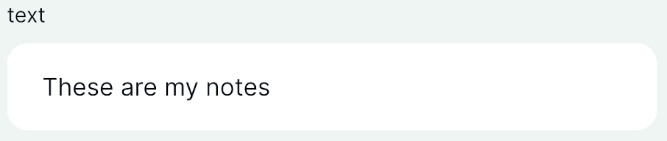 |
| Text Edit | Multiline Text | 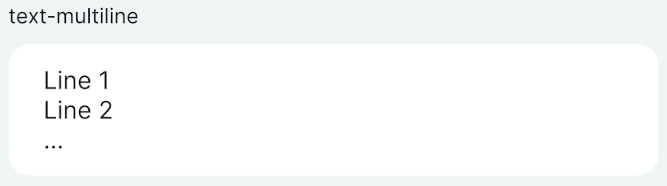 |
| Date/Time | Calendar with time | 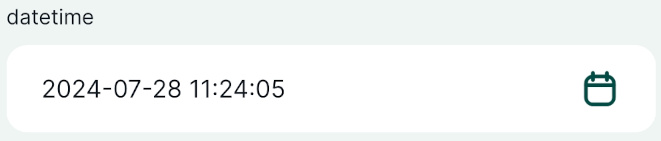 |
| Relations | Multiple records linked to one feature | 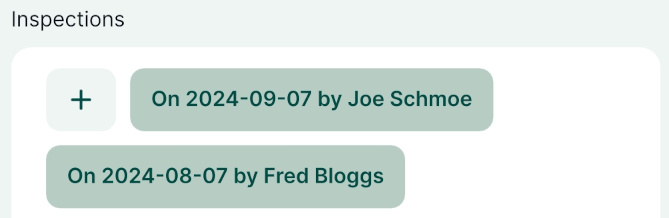 |
| Relation reference | Reference to feature from another layer | 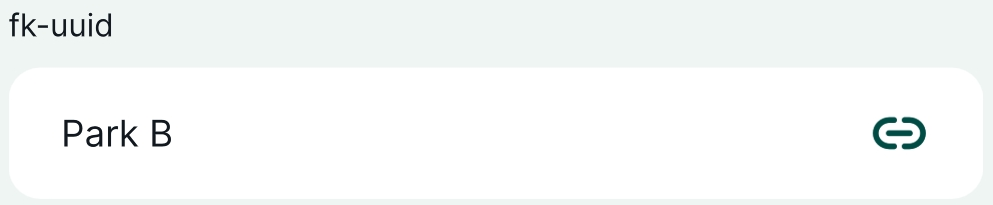 |
| Range - Editable | Enter a number | 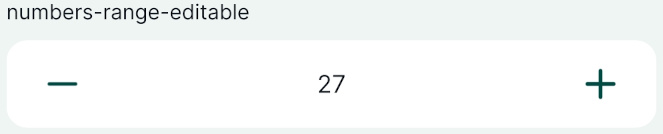 |
| Range - Slider | Select a number using the slider | 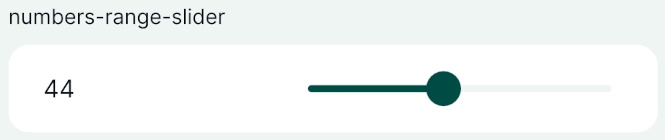 |
| Checkbox | Checkbox | 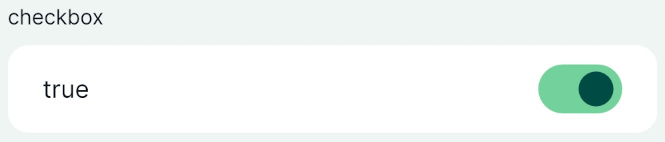 |
| QR & barcode scanner | Camera to scan QR and barcode | 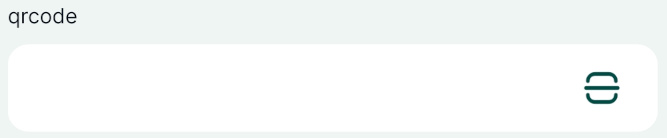 |
| Value Map | Drop-down menu with predefined values | 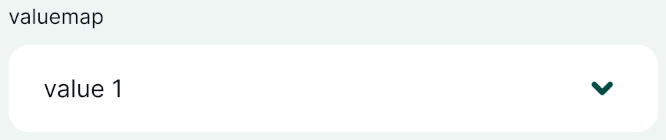 |
| Value Relation | Drop-down menu with values from another table | 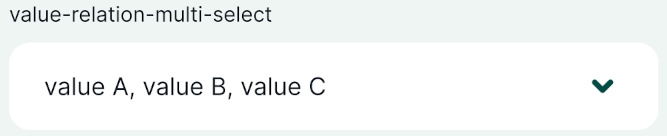 |
| Attachment | Photos from device's camera or gallery | 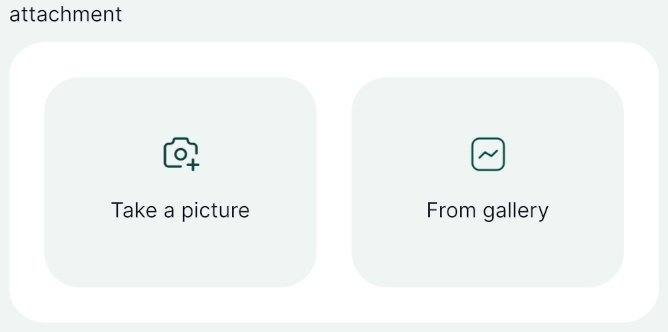 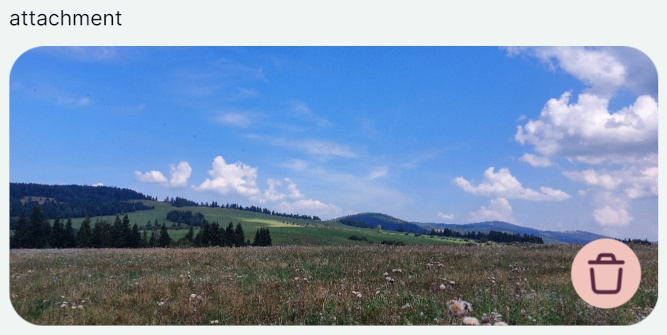 |
| Relations - Gallery | Multiple photos from device's camera or gallery | 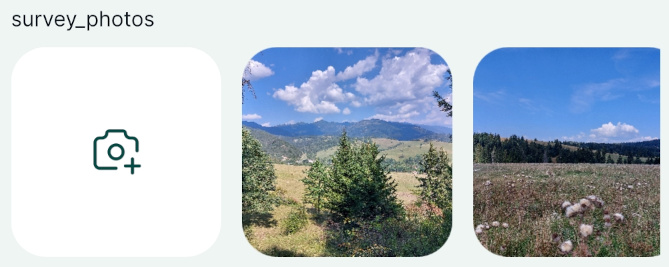 |
| Text and HTML Widgets | Informational Widgets | 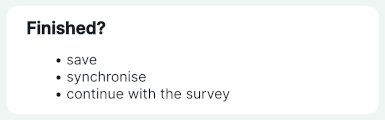 |