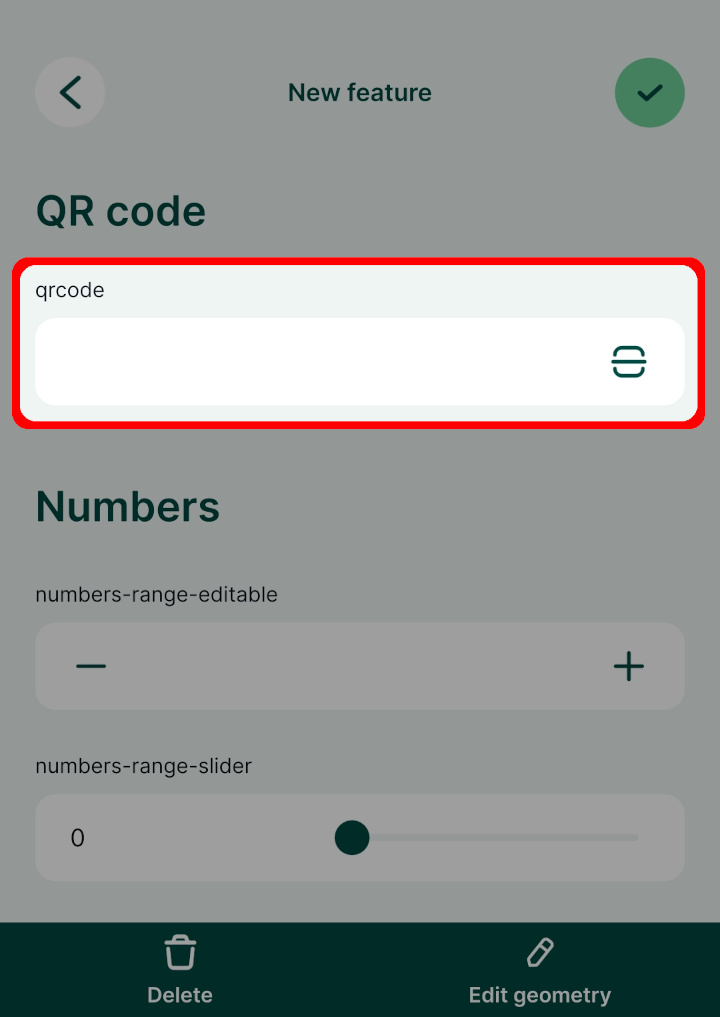
Appearance
QR code
You can scan QR codes with your mobile device to fill in a field in the form. The field data type should match the desired input: if you want to scan, say, a link, you need a field with Text (string) data type.
Widget | Preview in the mobile app |
|---|---|
| QR code or barcode scanner | 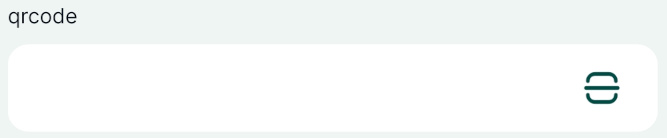 |
Example project available
A QR code field is used in this public project:  documentation/form-widgets. Download or clone it to see this setup.
Prefer a video? Here is a short tutorial about scanning QR codes:
QR code setup
To set up the field for QR code scanning, the field name or the field alias has to contain the word qrcode. The text is not case sensitive, it can be in combination of lower or upper case letters.
In the mobile app, there will be a QR code icon next to the field. Tap on it to scan the QR code using your camera and the content (a number, text, link, etc.) will be filled in automatically to your field.